
Client management software for small businesses
Start the next conversation where the last one ended.
Contacts, visits, notes and documents help you stay on top of client relationships, even on a busy day.
Organise clients into groups and create targeted email campaigns.
Create quotes, work records and invoices when needed.
02 / REAL WORK. REAL TOOLS.
Keep the client’s
story together.
Your calendar, client notes and job details help you pick up where the last visit left off.
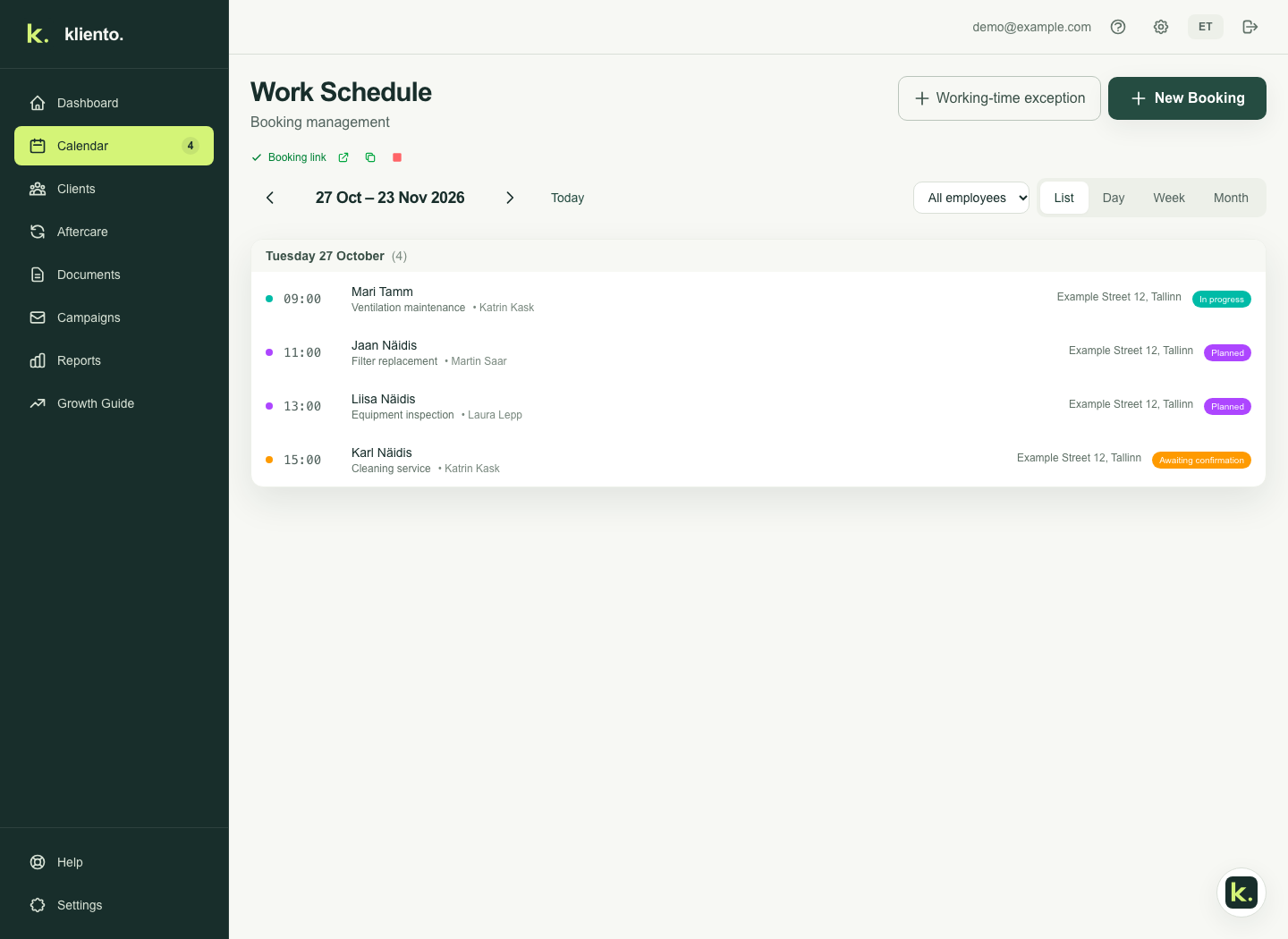
Actual Kliento application · sample data
↗
Serve and remember.
Past visits and notes are there for the next conversation.
↗
An offer finds its audience.
Choose a relevant client group and create an email campaign. You decide what to offer.
↗
Attention where it matters.
Follow-ups highlight cases needing approval or a personal conversation.
Does Kliento help with sales?+
Kliento helps invite existing clients back, collect feedback and send your offers to selected client groups. You choose offers, recipients and settings. Finding new clients and personal sales conversations remain in your hands.
Do clients need to install an app?+
No. Clients book in a browser through your link without a Kliento account.
Do messages start sending automatically?+
You configure email, purchase SMS credit if needed and enable the automations you want. Feedback and repeat-service invitations respect client messaging preferences.
Can I use Kliento on my phone?+
Use Kliento in a browser on your phone or computer with the same account. Clients only need your booking link. Home-screen installation, work notifications and some offline capabilities are in a limited rollout and depend on account and device. iOS and Android apps are in preparation and are not yet published in the App Store or Google Play.
Where can I get help getting started?+
Public guides and the guide assistant help you find instructions. The assistant cannot see your client data. For personal help, email info@kliento.eu.